Personalized jewelry is easiest to order when you prepare the details before you begin selecting variants. A few minutes spent checking size, spelling, stone order, and engraving can prevent ambiguity and keep the final piece true to the story you intended.
Prepare the story first. Then transfer each detail into the matching personalization field.
Confirm Ring Size
Start with size because personalized and made-to-order pieces are created around the selections submitted with the order. Use a ring that already fits the same finger, a physical ring sizer, or a professional measurement when possible. Measure more than once if your finger size changes during the day.
Choose Product Options Before Personalization
Select only from the finishes offered on the exact product.
Confirm the size before entering custom details.
When selectable, the number of stones can change the personalization fields.
Follow the options shown on that product—not another ring.
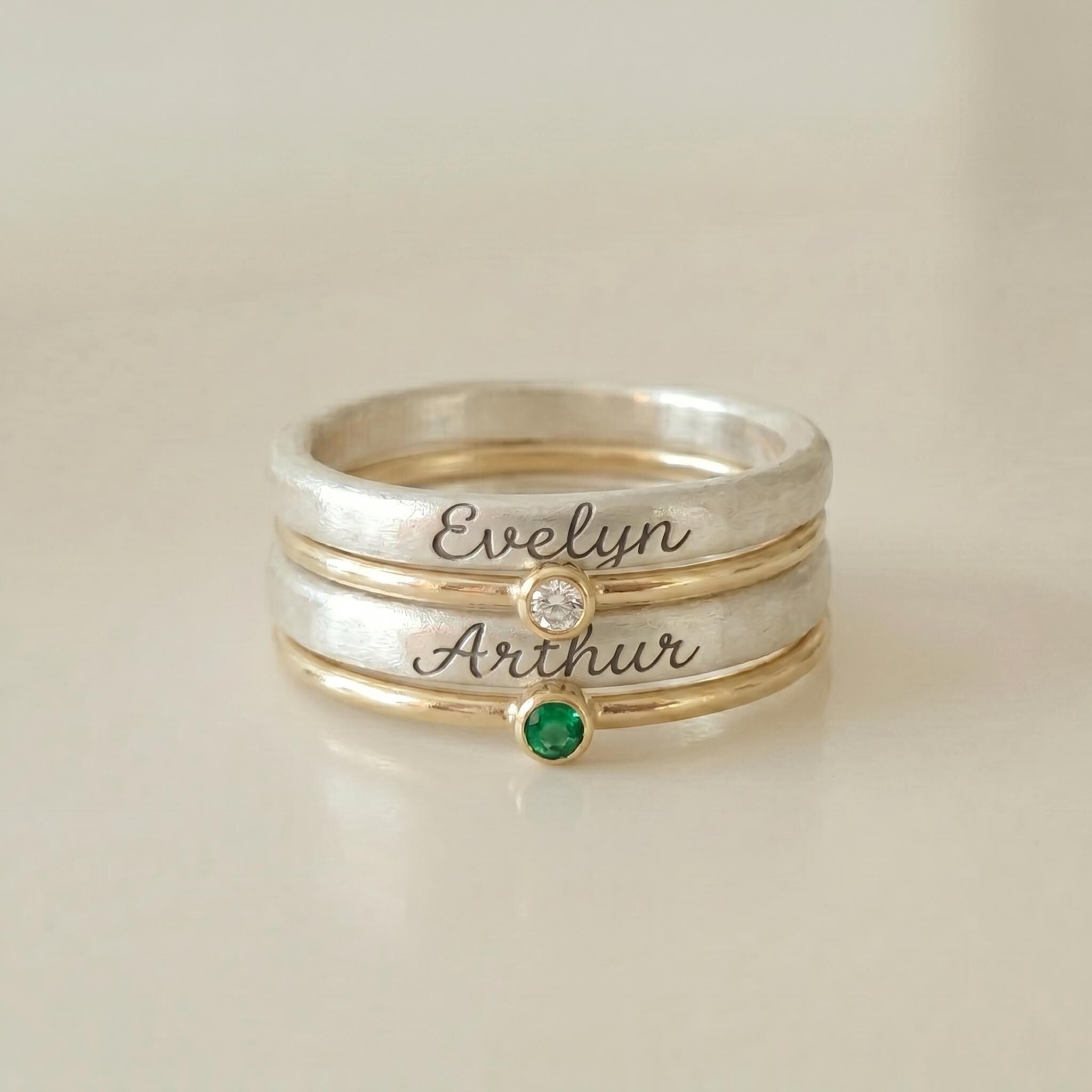
Names, Birthstones & Engraving
Enter names exactly as you want them used
Check spelling, capitalization, spaces, and punctuation before submitting. If the product asks for several names, keep them in the requested order.
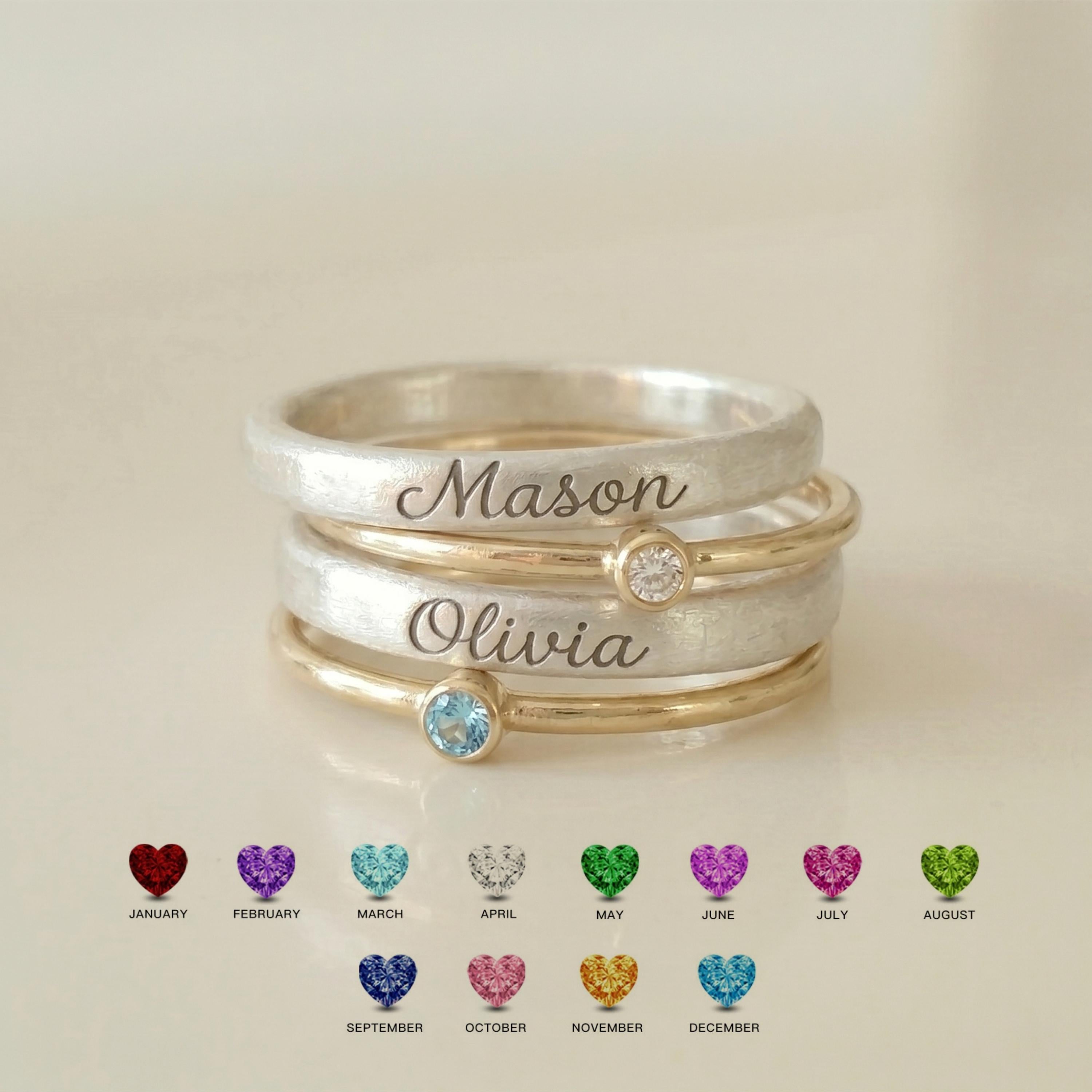
Enter birthstones by month or color as requested
Some products ask for a month; others refer to a color. Follow the wording on that exact product page. If you need a reference first, use our Birthstone Guide by Month.
Treat optional and required engraving differently
If inside engraving is optional, leaving the field blank means you prefer no engraving there. If it is required, complete it before checkout. Character capacity and placement vary by design.
Names: Emma, Noah, Lily
Birthstones: May, September, February
The natural interpretation is Emma–May, Noah–September, Lily–February. Keep that sequence consistent wherever the form asks for related details.
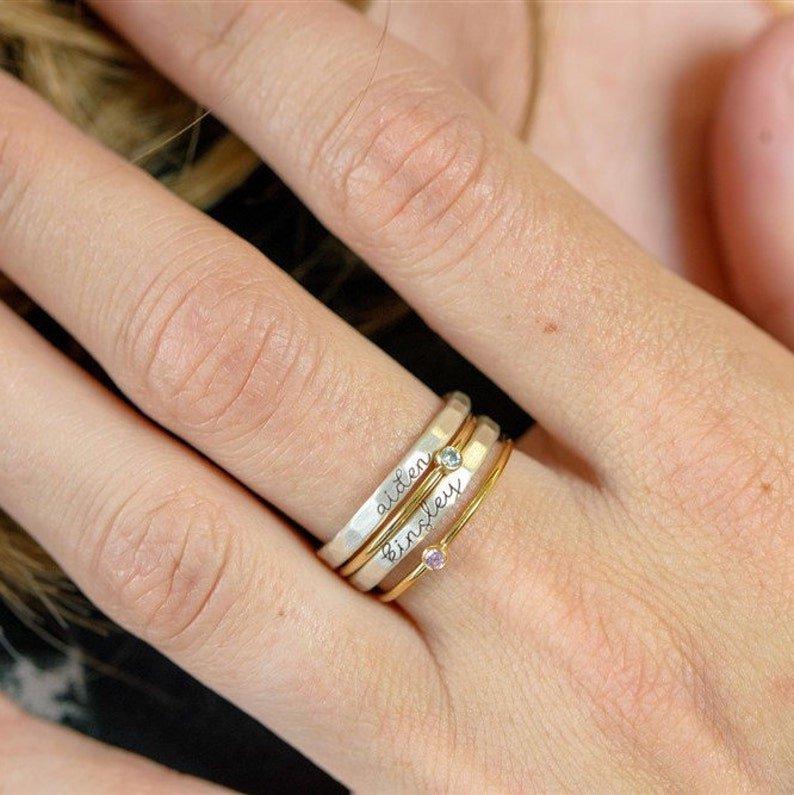
Check the Order Once Before Cart
For multi-person designs, browse Family Birthstone Rings. For names combined with stones, explore Names & Birthstones. For engraving-led designs, browse Personalized Engraved Rings. For a date-led milestone or anniversary, compare Personalized Date & Anniversary Rings. If a personalization instruction is unclear before ordering, contact FarahBlush with the product link and the detail you want to confirm.
Prepare the Details, Then Choose the Piece
When the spelling, months, sequence, size, and finish are already clear, personalization becomes much easier.