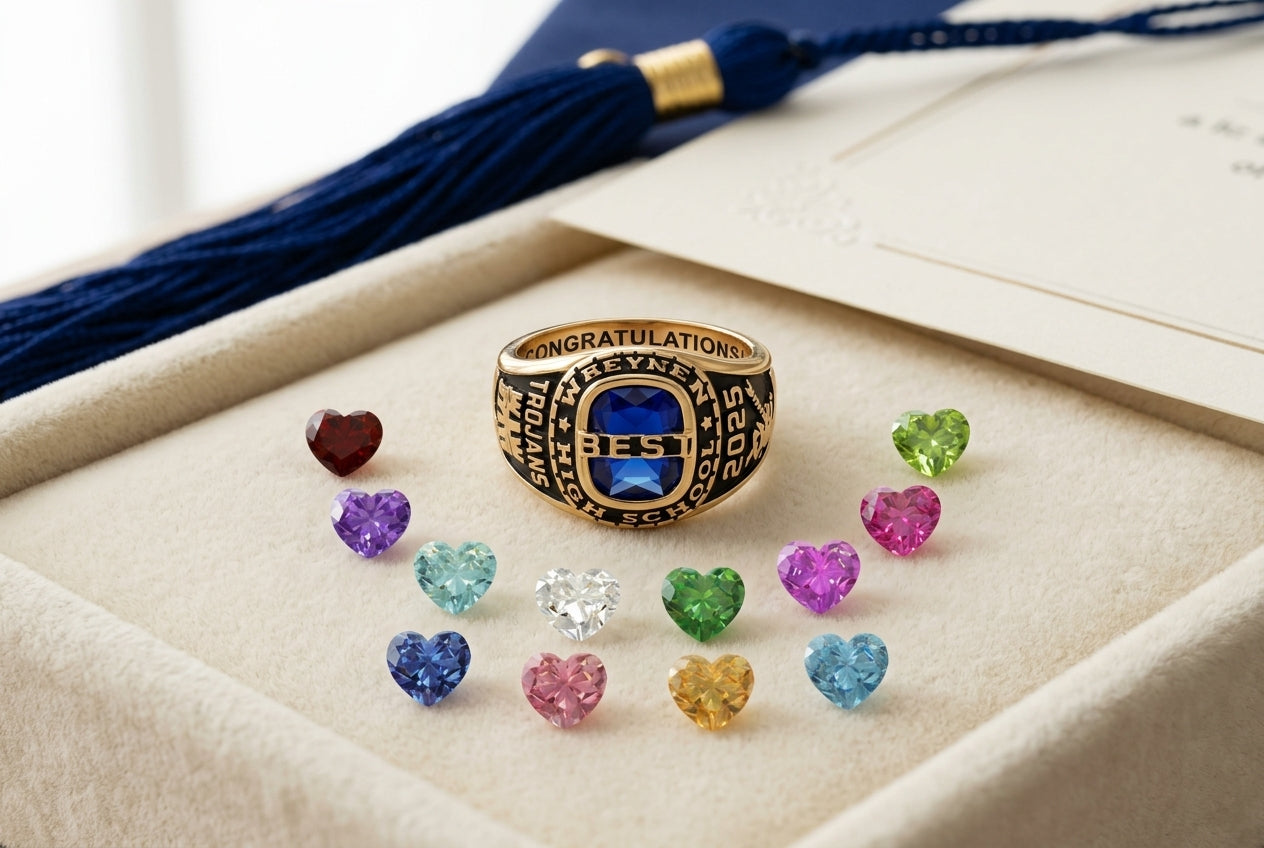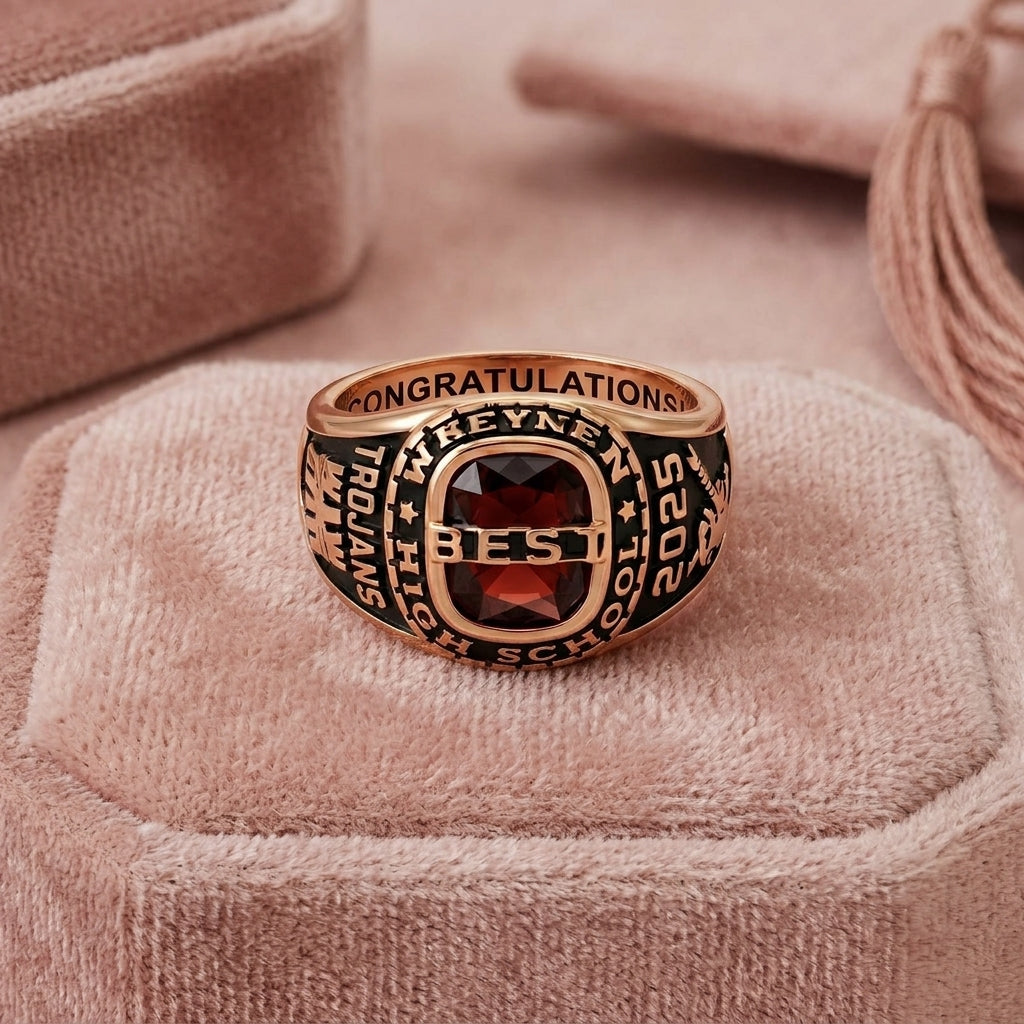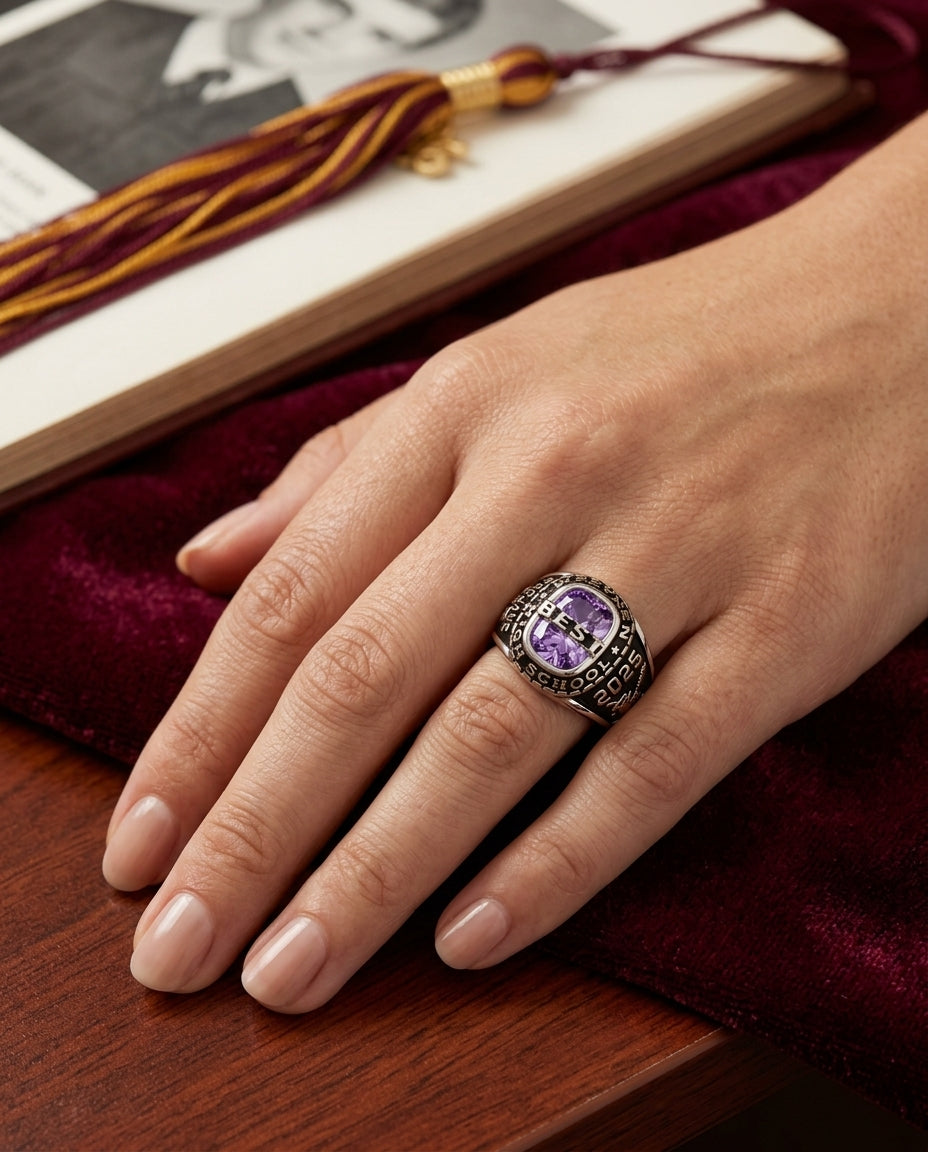
A personalized graduation ring can hold more than a year. Depending on the design, it may bring together a name, school, birthstone, symbol, side text, or inside engraving—turning one milestone into a keepsake that feels unmistakably theirs.
Choose the details that define the milestone first, then place each one in the field designed for it.
The Details to Prepare Before You Customize
Check every digit and use the exact placement requested by the product.
First name, full name, initials, or another supported identifier.
Prepare the exact short wording you want used when the design supports it.
Choose by month or the exact color options offered on the product.
Use symbols only where the product provides a dedicated field or guide.
Keep the message within the character and placement instructions shown.
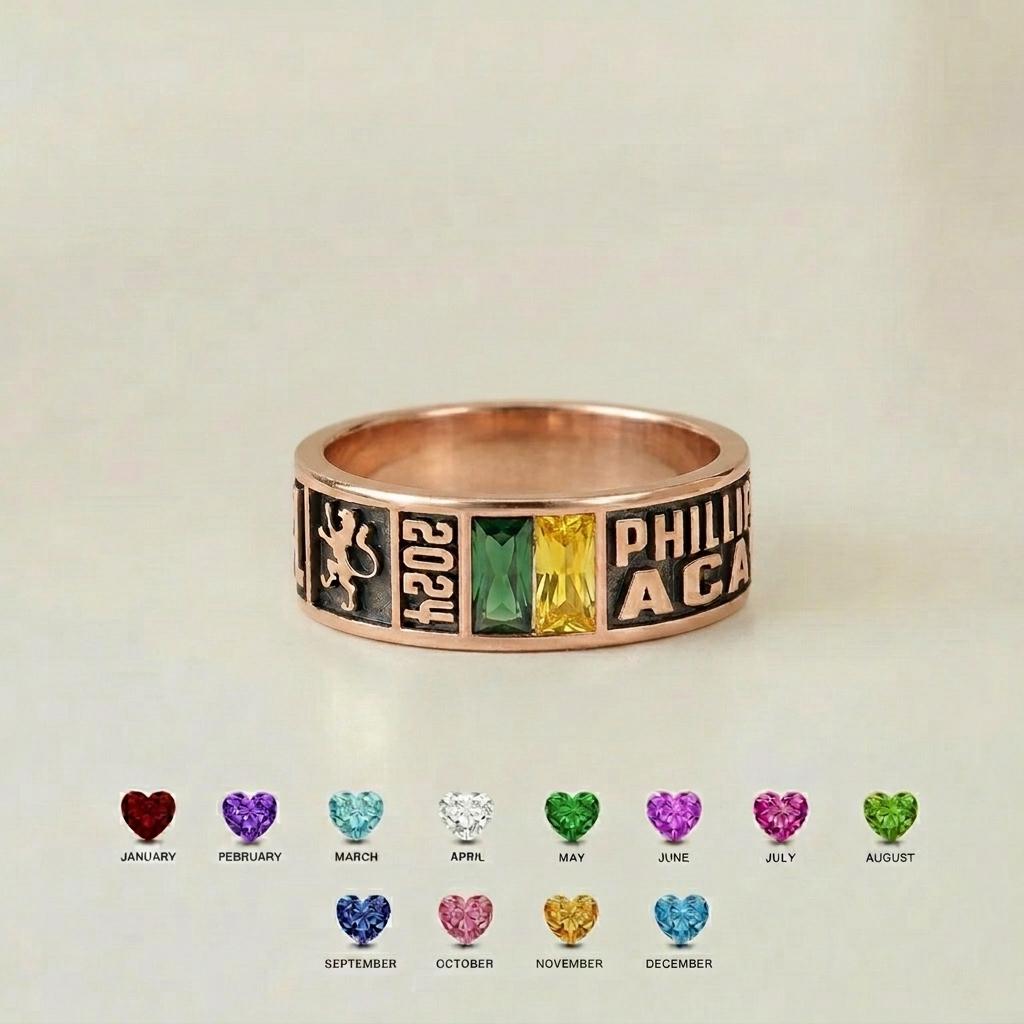
Build a Personalization List Before Checkout
Name
Graduation year
School or program
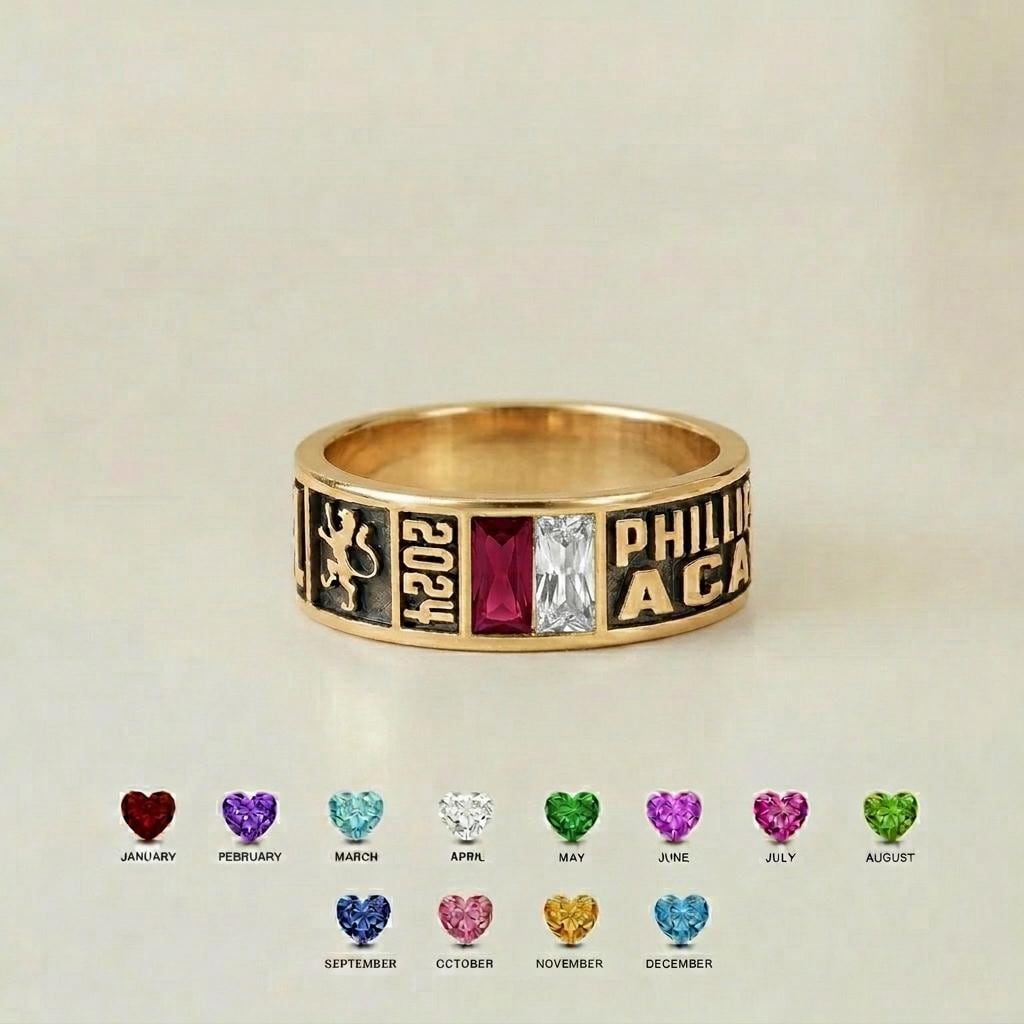
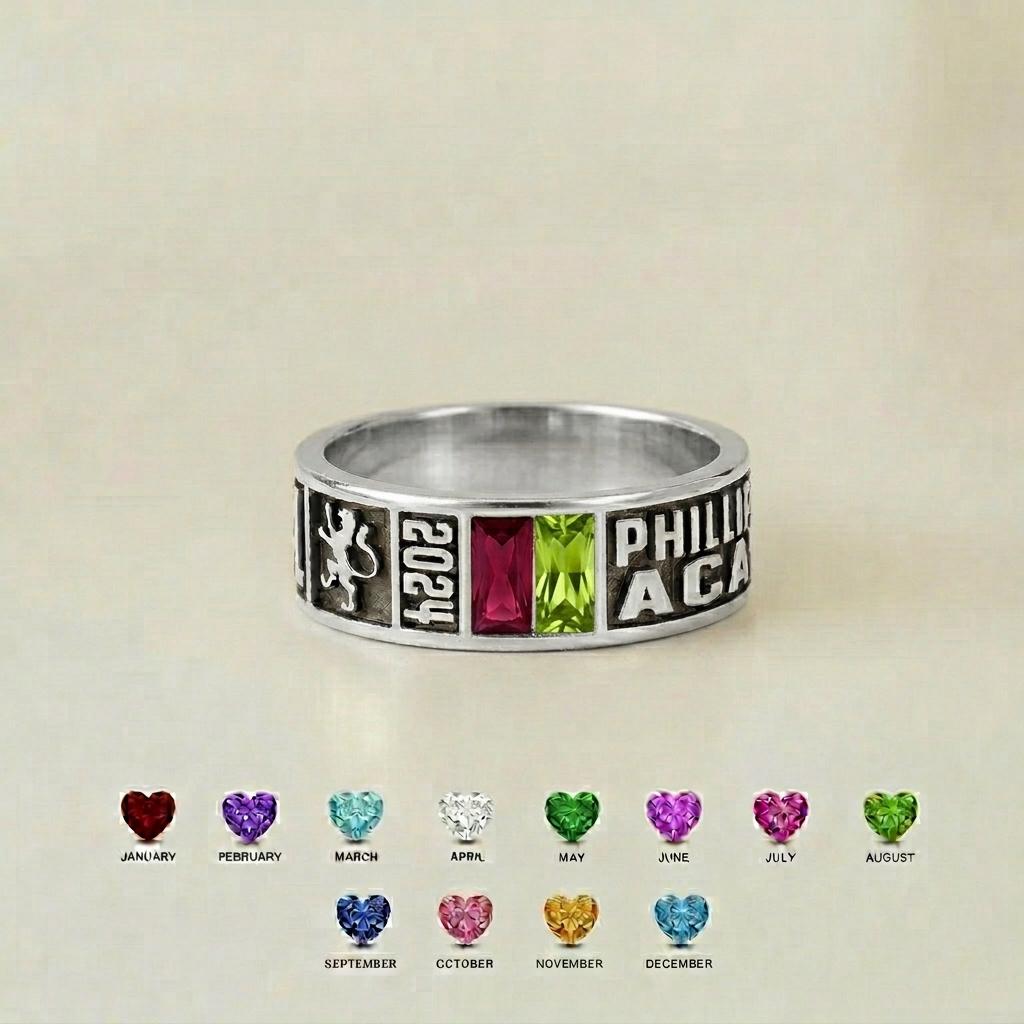
Birthstone month or color
Left-side detail, if offered
Right-side detail, if offered
Inside engraving, if offered
Transfer each item into the matching field instead of placing everything into one note. If you need help with month-to-color reference, use our Birthstone Guide by Month.
Choose symbols only where the design supports them
Some graduation rings include dedicated areas for a logo, activity, icon, or symbolic detail. Others do not. Do not assume a symbol can be added unless the product’s personalization guide provides a place for it.
Continue With the Guide That Matches the Decision
Classic, heart, minimalist, or graduation cap.
Daughter from Mom
Relationship-led gift personalization.
College vs High School
Choose what changes between the milestones.
Class Year Ring
Organize year, identity, stone, and message.
7 Ways to Personalize
Explore supported personalization directions.
Graduation Jewelry as a Keepsake
Choose for wearability after the ceremony.
Confirm Finish, Size & Every Custom Field
- Confirm the graduation year.
- Check the exact name spelling and capitalization.
- Review school or program wording.
- Confirm the birthstone month or color.
- Check side details or symbols only where supported.
- Review inside engraving and ring size.
- Choose the finish offered on the exact ring.
For the broader pre-checkout workflow, read How to Order a Personalized Ring.
Personalize the Details That Made the Journey Theirs
Start with the design they would actually wear, then use the available fields to make the milestone unmistakably personal.