.fbj{–ivory:#fbf7f2;–cream:#f5eee6;–paper:#fffdf9;–ink:#2f2925;–muted:#786d65;–line:#e8ddd2;–gold:#a98559;–blush:#f1e3df;max-width:1120px;margin:0 auto;background:var(–paper);color:var(–ink);font-family:Georgia,’Times New Roman’,serif}.fbj *{box-sizing:border-box}.fbj .hero{display:grid;grid-template-columns:1.02fr .98fr;background:var(–ivory);border:1px solid var(–line);border-radius:22px;overflow:hidden}.fbj .heroCopy{padding:72px 9%;display:flex;flex-direction:column;justify-content:center}.fbj .hero img{width:100%;height:100%;min-height:520px;object-fit:cover}.fbj .eyebrow{font:700 12px/1.3 Arial,Helvetica,sans-serif;letter-spacing:.18em;text-transform:uppercase;color:var(–gold);margin:0 0 18px}.fbj h1{font-size:clamp(38px,5vw,66px);line-height:1.03;font-weight:400;margin:0 0 24px}.fbj h2{font-size:clamp(30px,3.5vw,47px);line-height:1.08;font-weight:400;margin:0 0 20px}.fbj h3{font-size:23px;line-height:1.22;font-weight:400;margin:0 0 10px}.fbj p{font-size:18px;line-height:1.75;color:#443c37;margin:0 0 18px}.fbj .lead{font-size:21px;line-height:1.65;color:var(–muted)}.fbj .section{padding:72px 7%;border-left:1px solid var(–line);border-right:1px solid var(–line)}.fbj .quote{padding:46px 8%;text-align:center;background:var(–cream);border-left:1px solid var(–line);border-right:1px solid var(–line)}.fbj .quote p{font-size:clamp(25px,3vw,38px);font-style:italic;line-height:1.35;color:var(–ink);margin:0}.fbj .map{background:linear-gradient(135deg,#fbf7f2,#f4ece7);border:1px solid var(–line);border-radius:20px;padding:44px;margin:34px 0}.fbj .maprow{display:grid;grid-template-columns:1fr 54px 1fr 54px 1fr 54px 1fr;align-items:center;gap:10px}.fbj .node{background:#fff;border:1px solid var(–line);border-radius:16px;padding:24px;text-align:center;min-height:120px;display:flex;flex-direction:column;justify-content:center}.fbj .arrow{text-align:center;color:var(–gold);font-size:27px}.fbj .gem{width:42px;height:42px;border-radius:50%;background:#8aa58a;margin:0 auto 10px;border:4px solid rgba(255,255,255,.65);box-shadow:0 0 0 1px #d8cbbb}.fbj .examples{display:grid;grid-template-columns:repeat(4,1fr);gap:16px;margin-top:30px}.fbj .example{border:1px solid var(–line);border-radius:16px;background:#fff;padding:24px}.fbj .pair{padding:13px 0;border-bottom:1px solid var(–line);font:600 14px/1.5 Arial,Helvetica,sans-serif;color:#5f554e}.fbj .pair:last-child{border-bottom:0}.fbj .grid2{display:grid;grid-template-columns:1fr 1fr;gap:30px;align-items:center}.fbj .photo img{width:100%;aspect-ratio:1/1;object-fit:cover;border-radius:18px}.fbj .cards{display:grid;grid-template-columns:repeat(3,1fr);gap:18px;margin-top:28px}.fbj .card{border:1px solid var(–line);border-radius:16px;background:#fff;padding:25px}.fbj .note{font:600 14px/1.55 Arial,Helvetica,sans-serif;color:var(–muted)}.fbj .button{display:inline-block;background:#2f2925;color:#fff!important;text-decoration:none;padding:16px 24px;border-radius:999px;font:700 13px/1 Arial,Helvetica,sans-serif;letter-spacing:.08em;text-transform:uppercase}.fbj .related{display:grid;grid-template-columns:repeat(3,1fr);gap:16px;margin-top:28px}.fbj .related a{display:block;text-decoration:none;color:inherit;border:1px solid var(–line);border-radius:14px;padding:22px;background:#fff}@media(max-width:760px){.fbj .hero,.fbj .grid2{grid-template-columns:1fr}.fbj .heroCopy,.fbj .section{padding:48px 22px}.fbj .hero img{min-height:0;aspect-ratio:1/1}.fbj .map{padding:24px}.fbj .maprow{grid-template-columns:1fr}.fbj .arrow{transform:rotate(90deg)}.fbj .examples{grid-template-columns:1fr}.fbj .cards,.fbj .related{grid-template-columns:1fr}.fbj p{font-size:17px}}
FarahBlush Journal · Names & Birthstones
One person. One name. One stone. Once that pairing is clear, a personalized family ring becomes much easier to build.
“A name tells you who. A birthstone adds the color of their month.”
The Core System
Build the Personalization as a Set of Pairs
The easiest way to avoid mismatched names and stones is to stop thinking of the ring as a list of names followed by a separate list of colors. Treat each person as one complete unit.
Person → Name → Month → Stone
Person
Your child, partner, grandchild, or loved one.
Name
The exact spelling you want engraved.
Birth Month
The month that determines the birthstone choice.
Stone
The matching color entered in the same position.
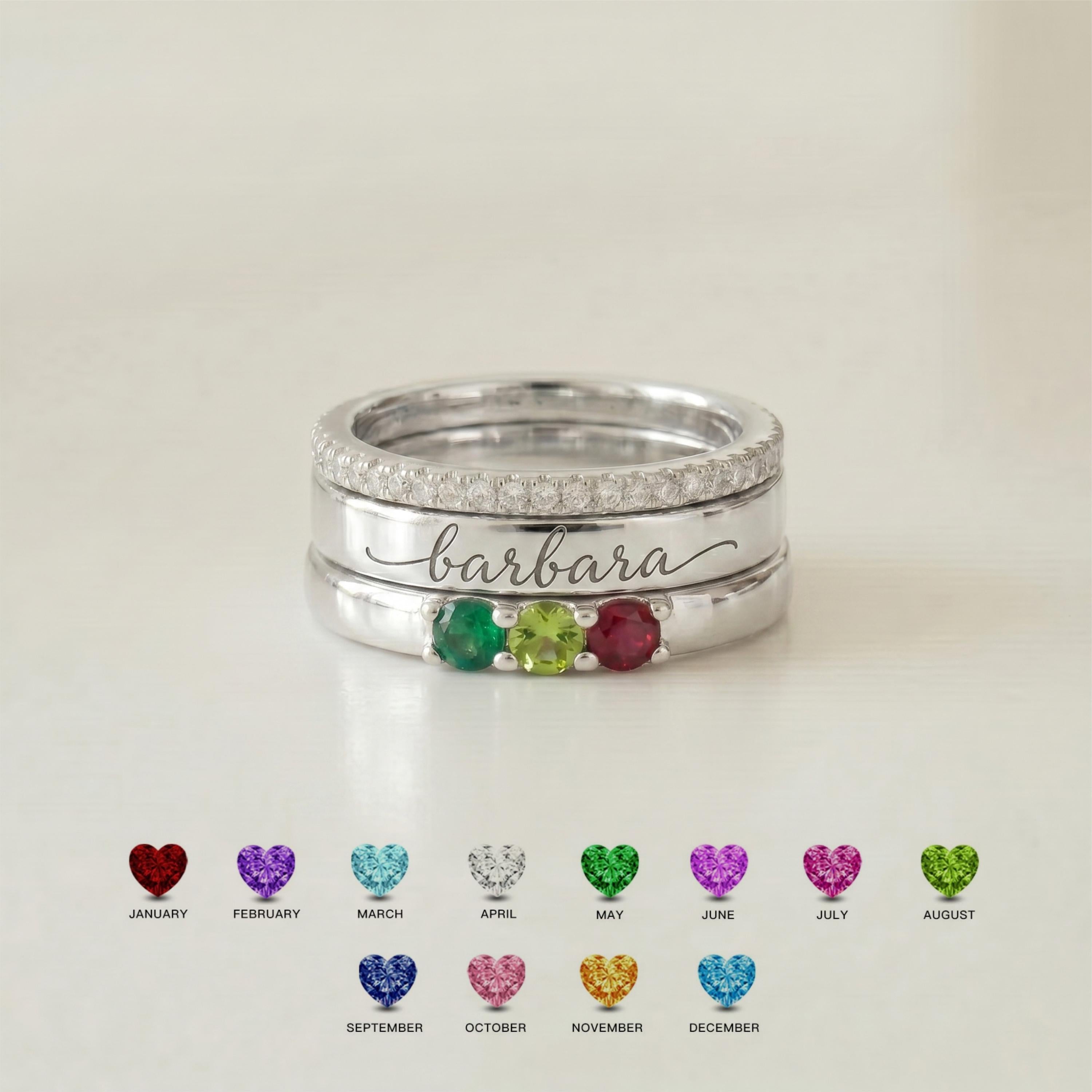
For products such as BRS001, this system can scale from one person to seven. Shopify’s active product description specifically instructs customers to enter each name with its matching birthstone in the same order shown in the Customization Guide.
Scale the Story
From One Pair to a Larger Family
1 Person
A single direct pairing.
2 People
Two independent pairings, kept in order.
3 People
The order becomes part of the record.
4+ People
Write the map before opening the personalization fields.
A Flexible Family Format
BRS001: 1–7 Names With Matching Birthstones
Personalized Name & Birthstone Ring for Mom · BRS001 supports 1–7 stones, with one name for each selected stone. Its active options also confirm Silver, Gold, and Rose Gold across the available stone quantities.
That makes it a useful example for the basic rule: if the selected quantity is four, prepare four complete name-and-stone pairs before ordering.
If two people share a birth month, keep the same stone color and distinguish them through their separate names and positions. Our shared-birthstone guide explains that situation in detail.
Different Designs, Same Logic
The Pairing System Works Across Several Ring Architectures
BRS004 · Beaded Family Ring
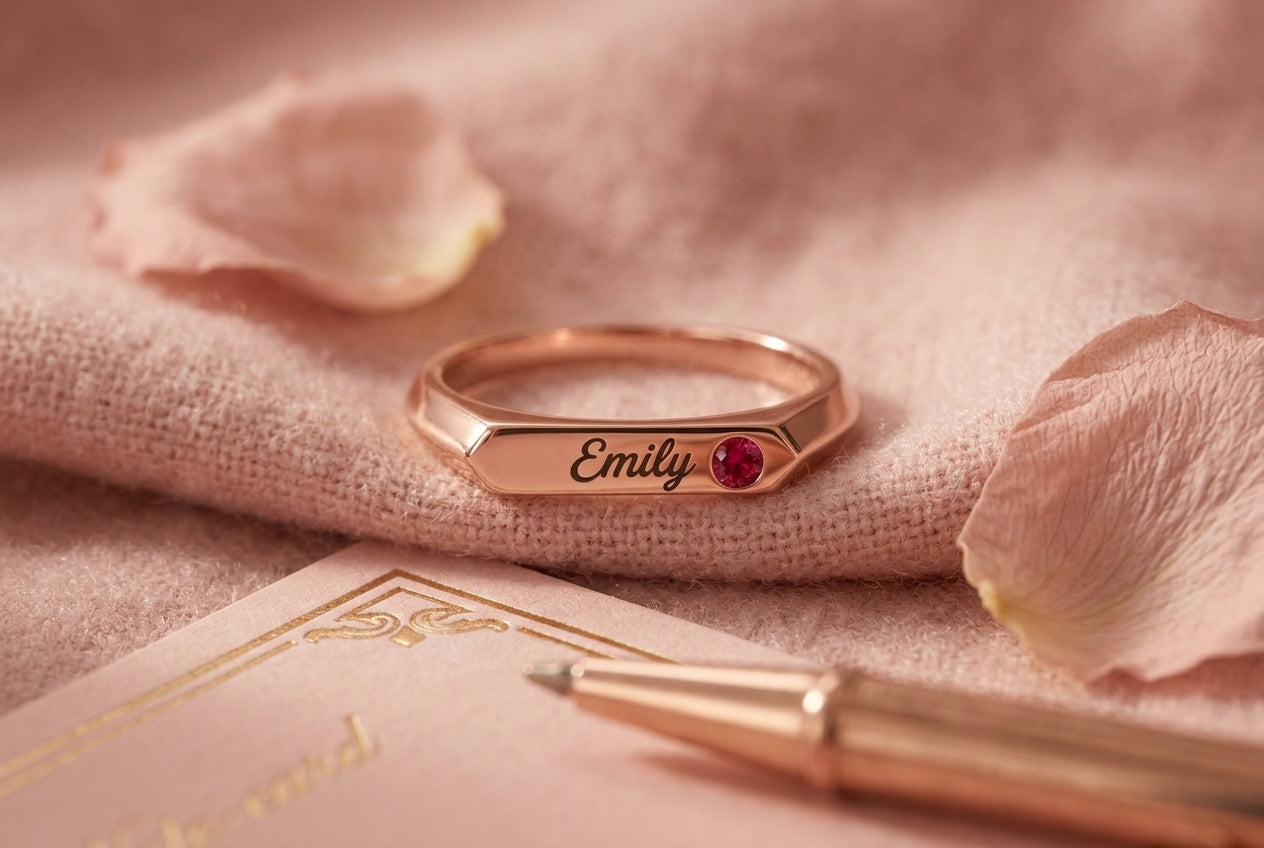
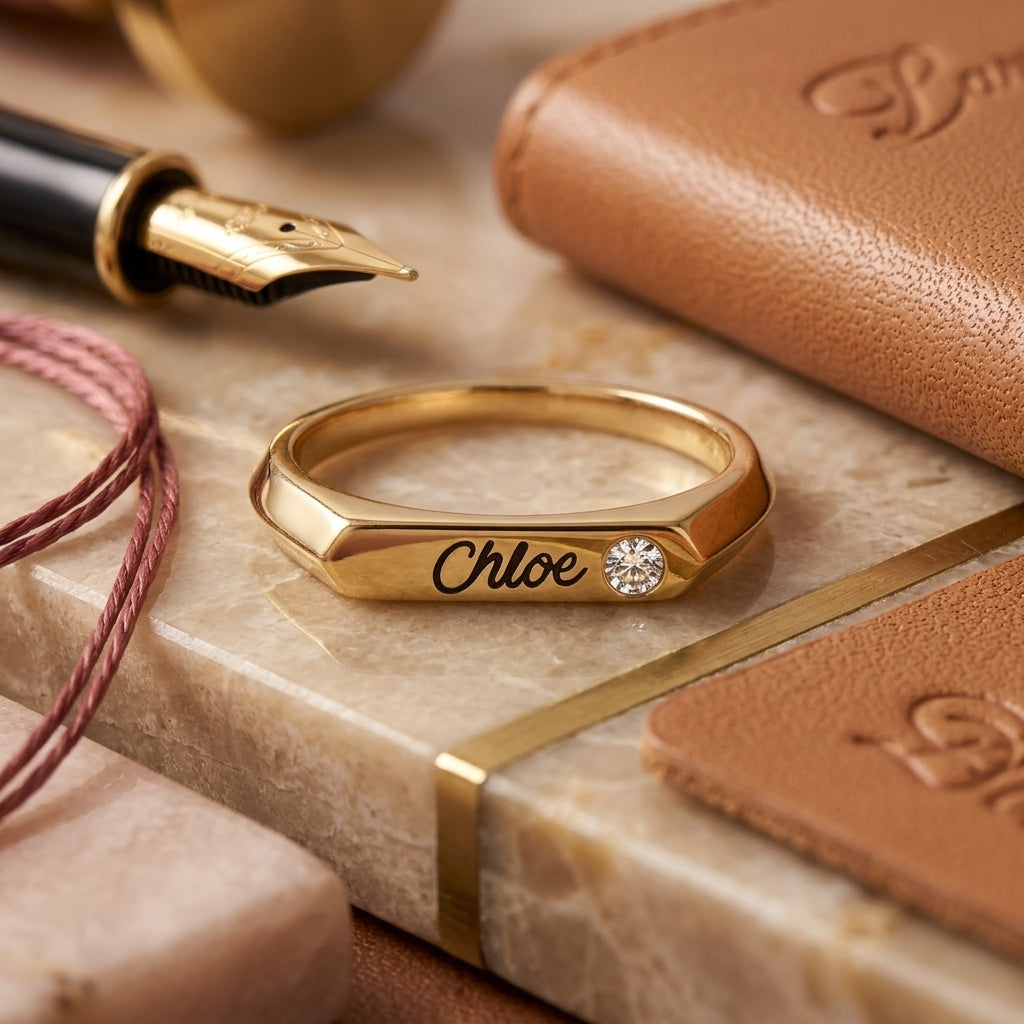
An active 1–7 stone design with custom engraved names and birthstone accents.
BRS114 · Two-Person Keepsake
Two birthstones, engraved names, and optional inside message create a more focused two-person story.
BRS120 · Heart + Name
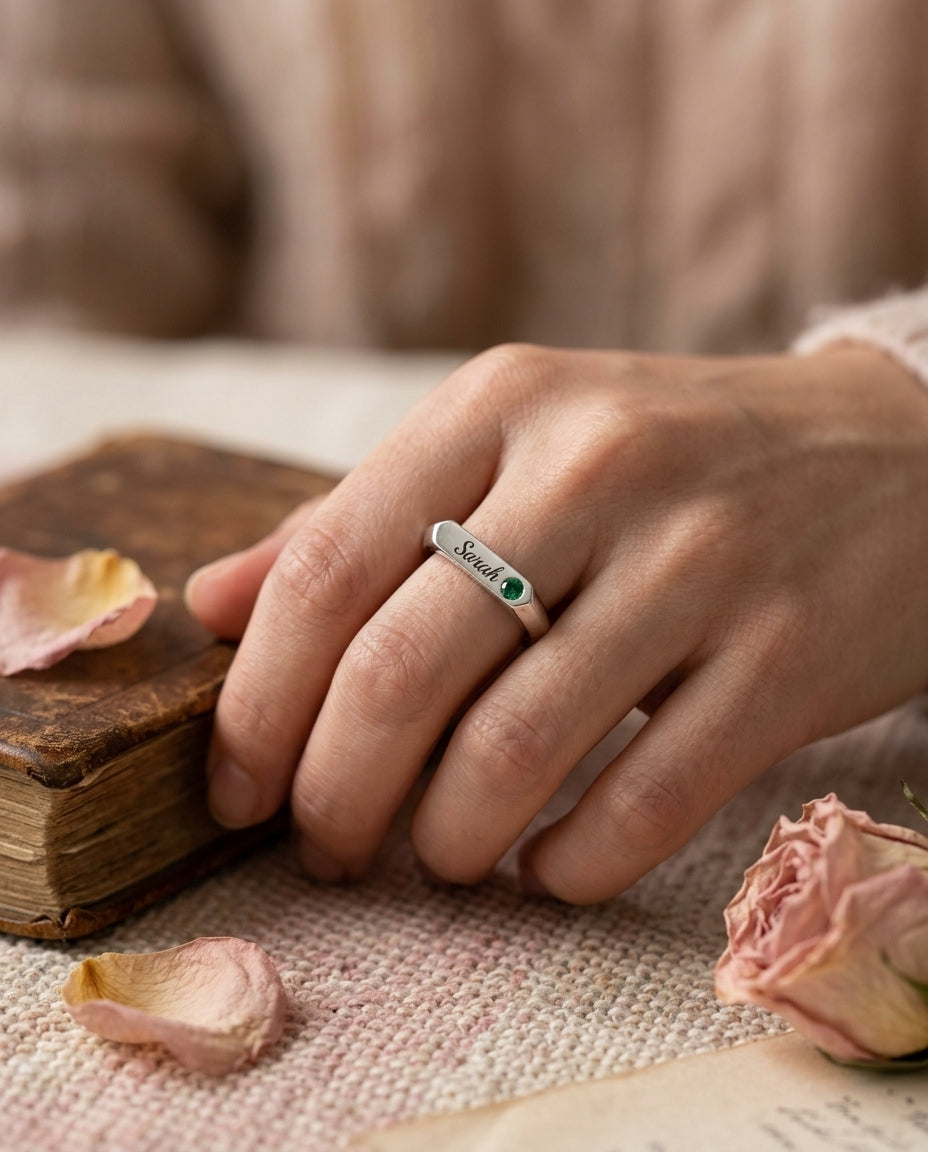
A heart-shaped birthstone centerpiece, personalized name engraving, and inside message combine symbolic and literal personalization.
Avoid the Most Common Ordering Error
Never Separate the Names From the Stones in Your Notes
A note that says “Ava, Leo, Mia” followed by “May, September, February” creates an unnecessary opportunity for the order to be rearranged. Write each pair on its own line instead.
Better
Then Transfer
Use the exact order requested by the chosen product’s Customization Guide.
Before Checkout
A Six-Step Name + Birthstone Check
1. Count the people
Choose a design and quantity that can represent everyone you intend to include.
2. Confirm spelling
Use the exact names you want engraved.
3. Confirm months
Check every birth month before selecting colors.
4. Build pairs
Keep each name next to its matching stone.
5. Match positions
Follow the product’s Customization Guide rather than inventing your own field order.
6. Review once more
Check names, birthstones, quantity, finish, and ring size together.
Names Make the Story Explicit
Pair Every Person With the Stone That Belongs to Them
Explore designs where engraved names and birthstones work together, from one meaningful pairing to larger family combinations.